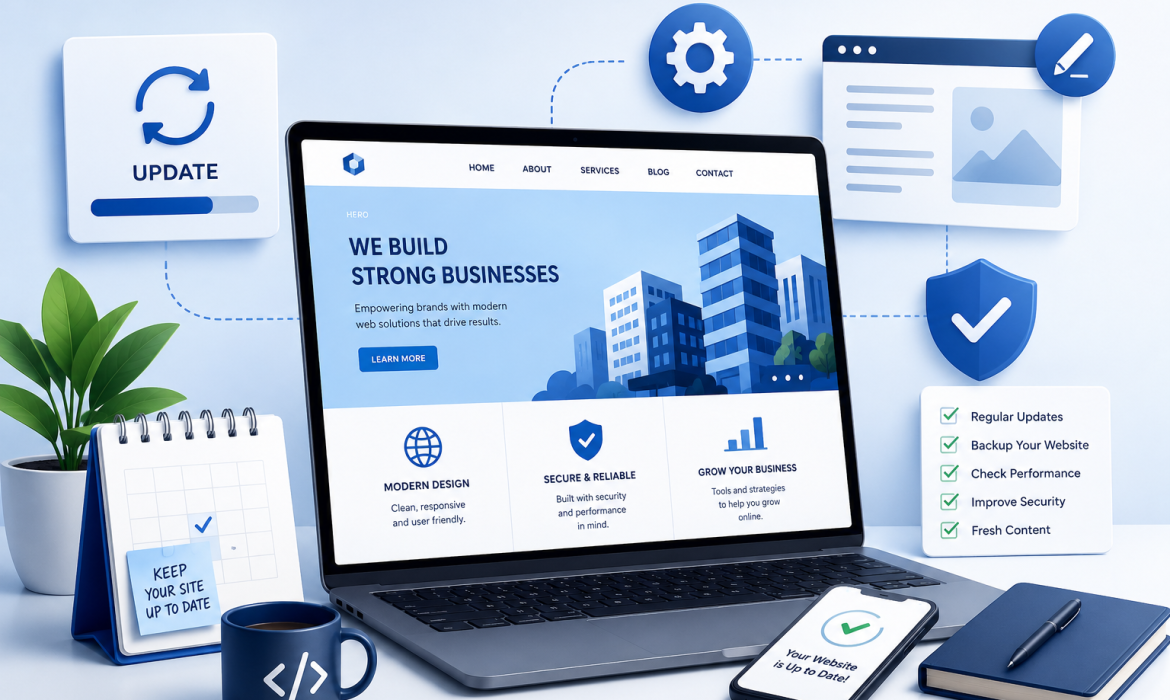
Your website is more than just an way of online active—it’s often the first and good impression people have of your business. Before someone calls you or visits your office place, they’ll probably visit your website very first time. That’s why it’s more important thing to keep it daily updated, more secure, and easy to use.
Many business owners think their all online work is done once the website goes live. In reality, that’s just the beginning. Like any other business new tool, your website needs regular care to perform at its best.
In this blog, we’ll explain what website maintenance is, why it all matters and the simple steps you can take to keep your website running more smoothly.
What is Website Maintenance?
Website maintenance simple word means taking care and checking of your website on a daily base. It involves checking that everything is working step by step properly, updating details, improving security and fixing any issues before they affect your all visitors.
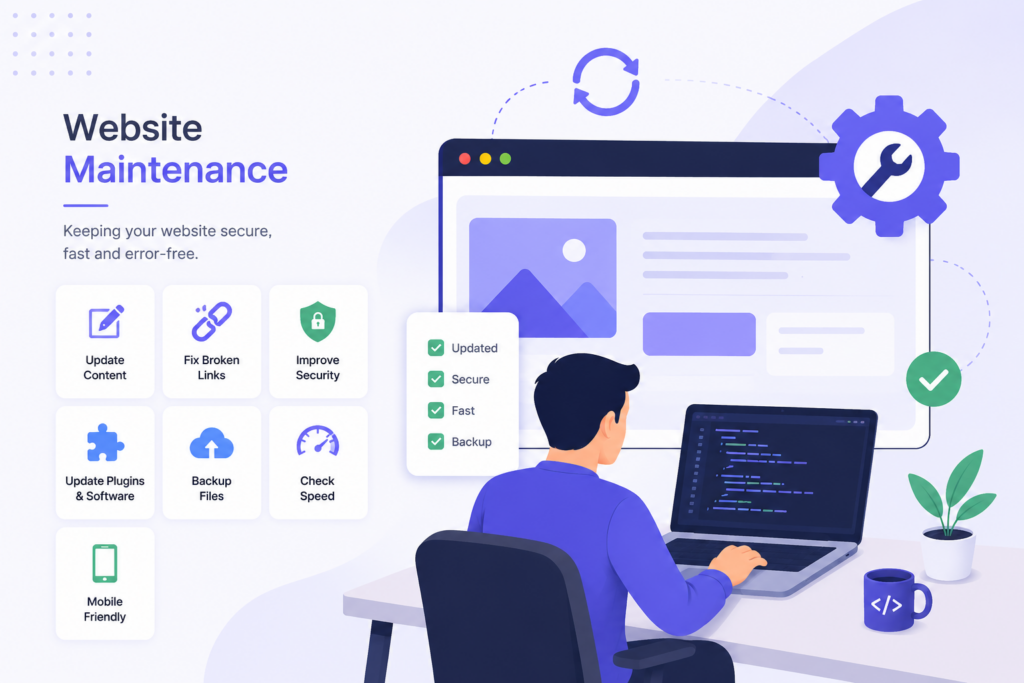
Some common website maintenance tasks include:
- Updating content
- Fixing broken links
- Improving website security
- Updating plugins and software
- Backing up website files
- Checking website speed
- Making sure the website works on mobile devices
A well-maintained website gives visitors a good experience and helps your business look wise more easy and professional.
Why is Website Maintenance Important?
Your website is available to customers all time. If it’s slow, outdated, or not working all properly, visitors may leave within seconds and select another business instead.
Regular maintenance helps you:
- Keep your web safe from security threats.
- Add more loading speed.
- Fix error before they become serious.
- Keep your business info up to date.
- Give visitors a good browsing experience.
- Improve your SEO performance.
- Support your business as it grow.
Taking a some time to maintain your website today can save you from big problems later.
10 Simple Website Maintenance Tips
1. Update Your Website Content
Your business changes over time, and your website should reflect those selected part. Check your website regularly and update: Business information, Services, Products, Prices, Contact details, Blog posts. Fresh content also tells search engines that your website is active.
2. Keep Your Website Software Updated
If your website uses WordPress or another CMS, make sure you update the system, themes, and new plugins whenever new software update versions are available. These updates usually add more security and help your website perform better. Ignoring updates can make your website vulnerable to hackers.
3. Improve Website Speed
People don't like waiting for slow websites. If your pages take too much long to load, visitors may leave before seeing site what you offer. You can improve speed by: Compressing images, Removing unnecessary plugins, Optimising website files, Using browser caching, Choosing reliable hosting. A faster website creates a better experience for everyone.
4. Back Up Your Website
Unexpected error can happen at all time. Your website could be affected by server issues, or accidental work mistakes. Regular backups make it easy to restore your website if something goes big problem. Automatic backups are one of the easiest best ways to protect your website.
5. Keep Your Website Secure
Online security should never be ignored. Simple security practices include: Installing an SSL certificate, Using strong passwords, Enabling two-factor authentication, Updating software regularly, Running security scans, Removing unused plugins. A secure website protects both your business and your customers.
6. Check Your Contact Forms
Imagine losing potential customers because your contact form stopped working. Take a few minutes every month to test: Contact forms, Enquiry forms, Newsletter sign-up forms, Email notifications, Contact information. Every enquiry should reach your team without any issues.
7. Fix Broken Links
Broken links can frustrate visitors and make your website look outdated. Regularly check for: Broken internal links, Outdated external links, Missing images, Error pages. Fixing these problems improves both user experience and SEO.
8. Make Sure Your Website Works on All Devices
Most people browse websites using their phones. Test your website on: Smartphones, Tablets, Laptops, Desktop computers, Different browsers. Your website should look good and work properly on every screen size.
9. Monitor Website Performance
Understanding how visitors use your website helps you make better decisions. Keep track of: Website traffic, Popular pages, Bounce rate, Loading speed, Visitor behaviour, Conversions. These insights help you improve your website over time.
10. Publish Helpful Blog Posts
Adding new blog posts is a great way to keep your website fresh. Helpful blogs can: Answer common customer questions, Share useful information, Improve SEO, Bring more visitors to your website, Build trust in your business. Even one quality blog each month can make a difference.
Benefits of Regular Website Maintenance
Keeping your website updated offers many very long-time benefits.
Better User Experience
Visitors enjoy using a website that is fast, easy to navigate and filled with accurate details.
Stronger Security
Regular updates work protect your website from hackers and other online threats.
Better SEO Results
Search engines prefer work websites that are fast, mobile-friendly, and daily updated.
More Customer Trust
An updated website shows that your business is active, professional, and reliable.
Better Business Growth
A well-maintained online site helps generate new enquiries and more users.
Quick Website Maintenance Checklist
- Update your content daily.
- Keep software and plugins updated.
- Create automatic backups.
- Test contact forms.
- Fix broken all links.
- Improve website working speed.
- Monitor website performance.
- Strengthen website security.
- Make sure your website is more mobile-friendly.
- Publish useful blog content regularly.
Conclusion
Your website is one of the most stronge tools for your business. Looking after it isn’t some difficult, but it does require regular base attention and working.
By keeping your online website updated, secure and running very smoothly, you’ll provide a better experience for your visitors, improve your search engine rankings, and create stronger trust.
At Scrupulous Technology, we help businesses keep their websites secure. From day to day maintenance and security updates to performance improvements and technical support, our employess is here to make sure your website continues to support your business all time.