
FROM SPREADSHEETS TO A WORKABLE SALES PROCESS
Before moving spreadsheet data into a CRM, agree which records to move, how fields map, how duplicates will be reviewed and who will verify the result. Keep an untouched source copy, test a representative sample and reconcile the outcome before making the new system your team’s working record.
A clean upload is only part of a useful migration. Salespeople also need the right account links, ownership, stages and next actions. A contact list can look complete while those working details are missing.
Decide what “moved successfully” means
Start with the workflow your team needs on the first day. For example, a salesperson may need to open an assigned enquiry, see the linked company and know the next follow-up date. Use that task to decide which fields and related records belong in the migration.
Separate active work, historical information and records that need an owner’s decision. Do not delete an old file or combine uncertain records just to reduce the row count. Keep a decision log so someone can explain what was included, excluded or held for review.
Map meaning before matching column names
Write a simple field map with three pieces of information: the source column, its intended CRM field and the business decision needed. A name that looks similar does not guarantee that two fields mean the same thing.
For example, a spreadsheet’s “Status” may mix lead stage and payment status. A “Contact” cell may contain a person’s name, telephone number and notes together. Split or classify these only after agreeing the rules with the people who understand the records.
| Source column | Intended target | Decision to agree |
|---|---|---|
| Customer code | External reference | Is it unique and stable? |
| Sales owner | Assigned user | Who handles inactive owners? |
| Next call | Follow-up task/date | Date format and overdue handling? |
| Company | Related account | How will the link be matched? |
Check the chosen CRM’s import rules rather than assuming that every platform accepts the same file. As one platform example, HubSpot’s official import-file guidance covers headers, formats, identifiers and associations. Your target system’s supported fields, limits and matching behaviour determine the actual import plan.
Review duplicates without losing useful history
Two rows with similar names may describe the same organisation, different branches or different people. Decide which identifiers to use and who can approve a merge. Do not assume that a shared phone number or an email address is a universal identity rule for your business.
Use a working copy to mark uncertain matches. Compare the related enquiries, notes, owners and open tasks before approving a change. Record what happens to conflicting field values and keep enough source information to trace the decision later.
A useful review question: “If these rows are combined, can the salesperson still understand who asked for what and what needs to happen next?”
Run a pilot that represents real work
Choose a small, representative sample rather than only the easiest records. Include a company with multiple contacts, an open opportunity, an overdue follow-up and a row needing review. Use approved test data and access controls; avoid sharing production customer files casually during an initial project discussion.
Have a business owner check the trial in the CRM. Verify record counts and exceptions, then open individual records to inspect relationships, ownership, dates and relevant history. A count alone cannot show whether a follow-up is assigned to the correct person.
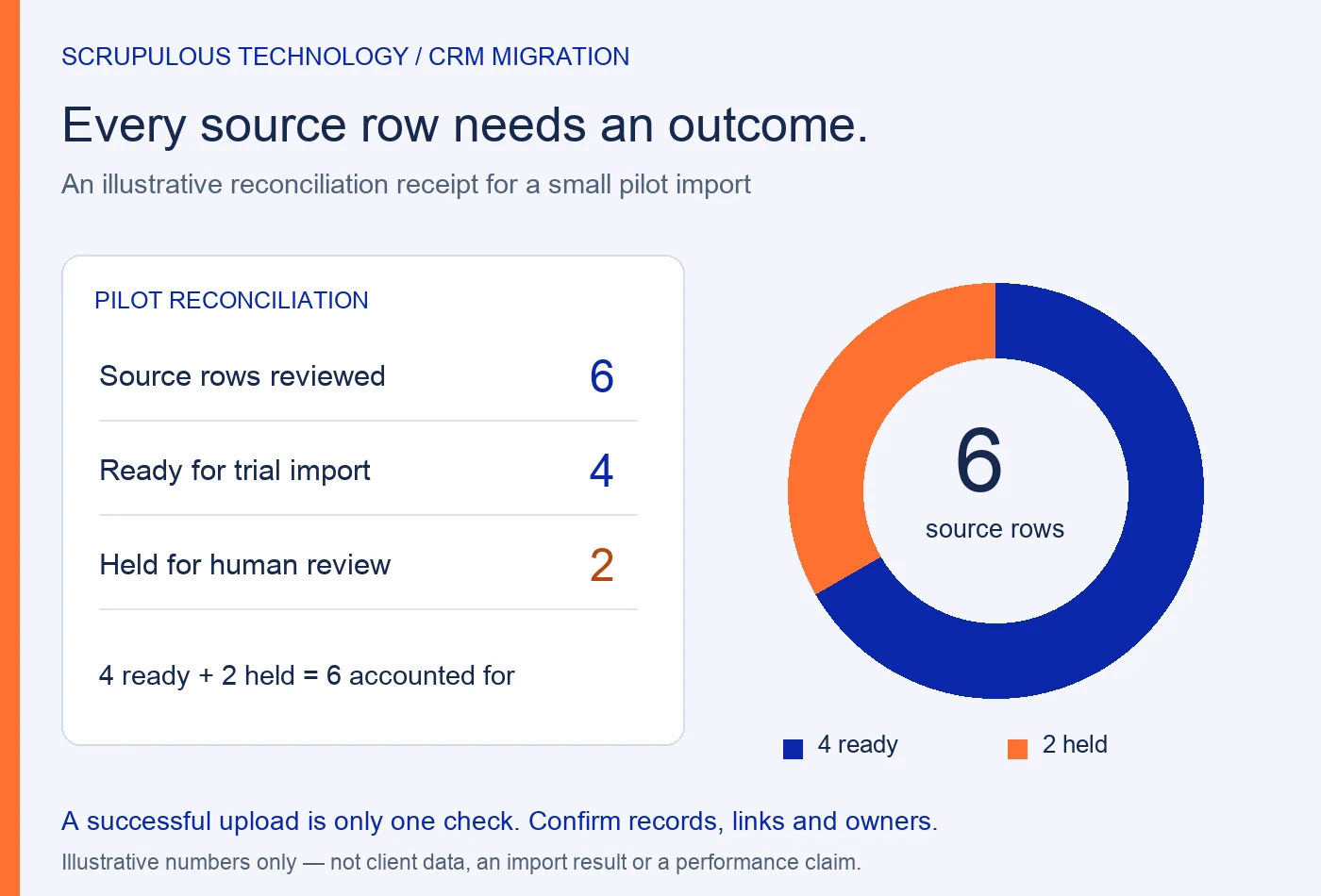
Maintain a reconciliation receipt: source rows reviewed, rows approved for the trial, rows held and the reason for each hold. After import, separately record what was created, updated, rejected or skipped. Where several source rows become one record, document that mapping instead of expecting the source and destination totals to be identical.
Agree the switch-over and recovery plan
Before the final move, name who approves it and when spreadsheet editing will stop. Decide how changes made after the pilot will be captured. If people keep editing both systems without an agreed process, the team may not know which record is current.
Preserve an approved source backup and agree a recovery approach suited to the target system. Do not assume that every import can be undone with one button. Define what would pause the launch, who investigates failed records and how staff should work while an issue is resolved.
Questions to settle before requesting a migration estimate
- Can we move every old note and attachment?
- First inventory the sources and confirm the target’s supported objects, formats and limits. Notes, attachments, activities and relationships may require separate handling.
- What affects the effort?
- The number of sources, data quality, custom fields, duplicate decisions, relationship mapping, history, integrations and validation all affect scope. Row count is only one input.
- Who should approve the result?
- Name a business owner for meaning and completeness, with IT or the implementation team checking the technical outcome. Agree the acceptance checks before importing.
Plan a CRM around your team’s workflow
Scrupulous Technology in Vadodara develops and customises CRM solutions around client requirements. We review current processes, users, data sources, migration needs and integrations as part of the agreed scope. Explore our CRM development and customisation service.
For an initial discussion, bring the spreadsheet column names, approximate record types, current workflow and target-system details. An anonymised sample and a list of known issues are more useful than sending the entire customer database at the start. Our requirements brief guide can help organise the wider project.
Planning a project for your business? Explore our CRM development and customization or discuss your requirements with Scrupulous Technology. Share your goals, current systems and required features so our team can review the scope and next steps.