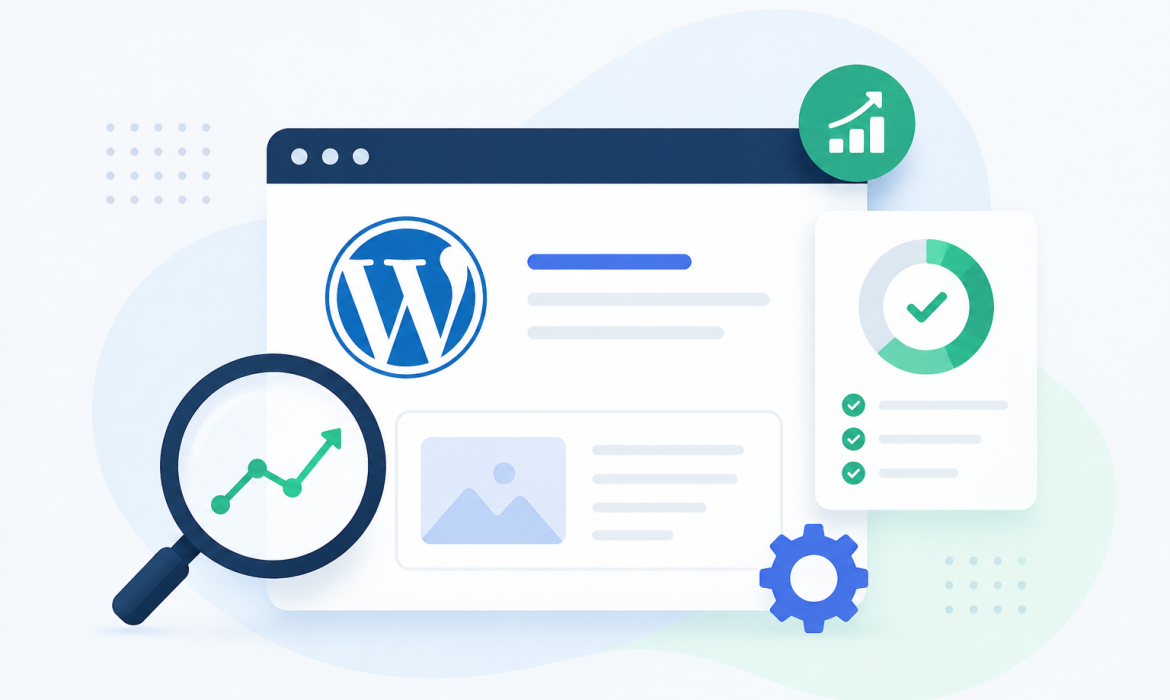
Today, having a website is not enough for business growth. Your website also needs to appear on Google when people search for your products or best services. This is where SEO becomes very important. For WordPress websites, SEO helps improve online visibility, increase website traffic and attract the customers.
WordPress is one of the best SEO-friendly website online platforms, but proper optimization is still necessary to get best results. With the right SEO all strategy, businesses can improve rankings, build trust and grow online more effectively.
At Scrupulous Technology, we help businesses optimize their WordPress websites to improve performance and reach more users online.
What is SEO for WordPress?
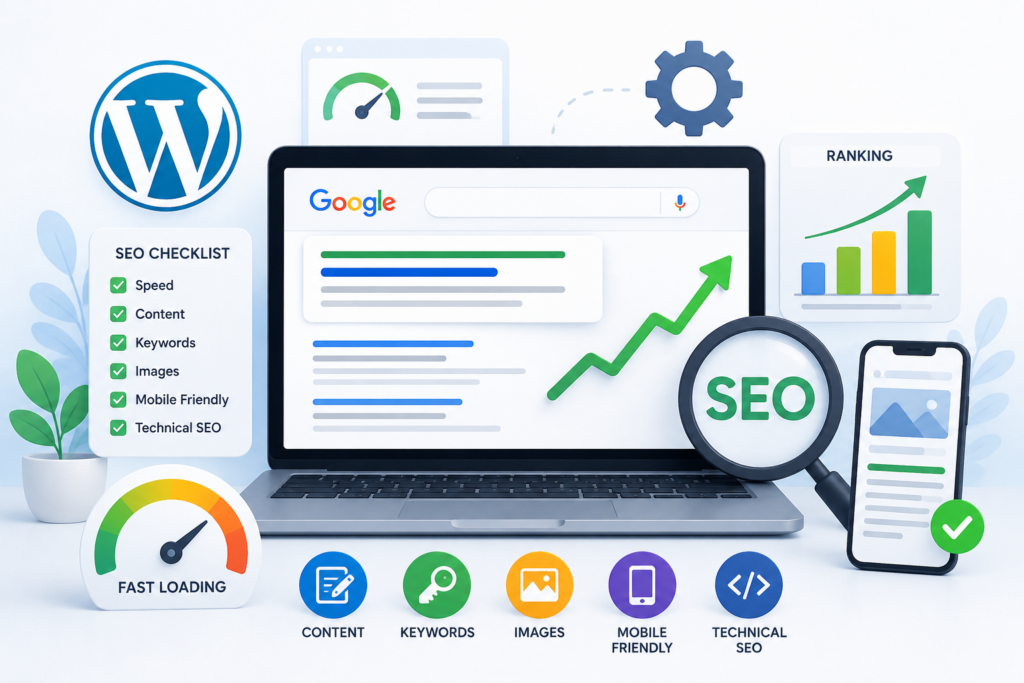
SEO for WordPress means improving your business website more and more search engines like Google can easy to understand and rank your all web pages. It includes optimizing website speed, content, keywords, images, mobile responsiveness and technical settings.
In simple words, SEO helps your WordPress website appear high in search outcomes when customers search for related all services.
Why SEO is Important for WordPress Websites
Many businesses create WordPress websites but do not optimize them all properly. Without SEO, even a good-look website may not get enough users.
SEO helps WordPress websites:
- Increase organic traffic
- Improve Google rankings
- Generate quality leads
- Build brand credibility
- Improve user experience
- Increase business inquiries and sales
Top SEO Tips for WordPress Websites
1. Choose an SEO-Friendly Theme
Your WordPress theme work a role in website working performance and SEO. A lightweight and responsive theme helps improve loading speed and user all experience.
A good SEO-friendly theme should:
- Load quickly
- Work properly on mobile devices
- Have clean coding
- Support SEO plugins
- Provide a simple navigation structure
Avoid using heavy themes with unnecessary animations and features that slow down your website.
2. Use Proper Keywords
Keywords are the words people type into Google while searching any time. Using the best keywords helps search engines best understand your content.
Tips for keyword usage:
- Use keywords naturally in content
- Add keywords in headings and titles
- Include keywords in meta descriptions
- Use long-tail keywords for better targeting
- Avoid keyword stuffing
For example, instead of using only “SEO,” you can use “SEO Tips for WordPress Websites” or “WordPress SEO services.”
3. Optimize Website Speed
Website speed is an very important ranking factor. Slow websites can add bounce rates and less user engagement.
Ways to improve WordPress speed:
- Compress images
- Use caching plugins
- Minimize unnecessary plugins
- Use fast hosting services
- Enable browser caching
- Optimize CSS and JavaScript files
A very fast-loading website added both SEO and user experience.
4. Make Your Website Mobile-Friendly
Most users now browse websites from all time devices. Google also gives priority to mobile-friendly websites.
Your WordPress website should:
- Adjust properly on all screen sizes
- Have readable text
- Load quickly on mobile devices
- Use easy navigation buttons
A responsive website improves rankings and keeps users engaged longer.
5. Install an SEO Plugin
SEO plugins help manage important SEO settings easily in WordPress.
Popular SEO plugins include:
- Yoast SEO
- Rank Math
- All in One SEO
These plugins help with:
- Meta titles and descriptions
- XML sitemaps
- Keyword optimization
- Readability checks
- Technical SEO improvements
Using SEO plugins makes optimization easier, especially for beginners.
6. Create High-Quality Content
Content is one of the important parts of SEO. Search engines prefer useful, informative and very original content.
Good content should:
- Solve user problems
- Be easy to read
- Include proper headings
- Use simple language
- Be updated regularly
Adding blogs regularly can improve website traffic and help target more keywords.
7. Optimize Images Properly
Images improve website appearance, but unoptimized images can slow down the website.
Image SEO tips:
- Compress large images
- Use proper file names
- Add image alt text
- Use modern image formats
- Avoid uploading unnecessary large files
Image optimization improves loading speed and helps images appear in Google Image Search.
8. Improve Internal Linking
Internal linking means connecting first page of your website to another page.
Benefits of internal linking:
- Helps users navigate easily
- Improves page authority
- Increases user engagement
- Helps search engines crawl pages better
For example, a blog about “WordPress SEO” can link to pages related to “Website Development” or “Digital Marketing Services.”
9. Use Secure HTTPS Website
Website security also affects SEO rankings. Google prefers secure websites with HTTPS.
Benefits of HTTPS:
- Protects user database
- Builds daily customer trust
- Improves website credibility
- Helps SEO google rankings
Always install an SSL certificate on your WordPress website.
10. Regularly Update Your Website
Search engines prefer active and updated websites. Regular updates help improve security, performance and SEO.
Keep updating:
- WordPress version
- Plugins
- Themes
- Blog content
- Images and media files
Regular maintenance helps keep the website secure and optimized.
Common SEO Mistakes to Avoid
Many WordPress websites fail to rank because of simple mistakes.
Avoid these common SEO errors:
- Using duplicate content
- Ignoring mobile optimization
- Slow website loading speed
- Missing meta descriptions
- Broken links
- Poor quality backlinks
- Overusing keywords
- Not updating content regularly
Fixing these mistakes can improve your website performance significantly.
Benefits of WordPress SEO for Businesses
1. Better Search Engine Rankings
SEO helps your website appear higher in online Google search output.
2. More Organic Traffic
Higher rankings bring more visitors without paid advertising.
3. Improved User Experience
SEO improves website structure, speed, and navigation.
4. Increased Brand Trust
Users trust websites that appear on the main page of Google.
5. Higher Conversion Rates
Targeted visitors are more likely to contact your business or make purchases.
How Scrupulous Technology Can Help
At Scrupulous Technology, we provide professional WordPress SEO software services designed to improve website working performance and search engine rankings. Our employee team focuses on creating SEO-friendly websites that help businesses grow online.
Our services include:
- WordPress SEO optimization
- Technical SEO improvements
- Keyword research
- Content optimization
- Website speed optimization
- Mobile SEO
- On-page SEO
- Local SEO services
We create customized SEO all strategies based on your business target audience.
Conclusion
SEO is very important for every WordPress website that wants best visibility and business growth online. A properly optimized WordPress website can attract more visitors, improve user best experience and generate moreand more leads.
By following the right SEO practices like improving speed, using proper keywords, creating quality content and optimizing mobile performance, businesses can achieve very long-time success in search engine rankings.
If you want to improve your WordPress website SEO, Scrupulous Technology can help you build a strong online presence with very useful SEO solutions.