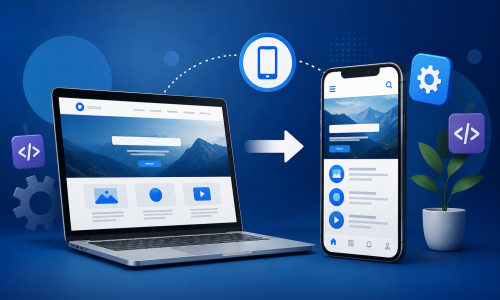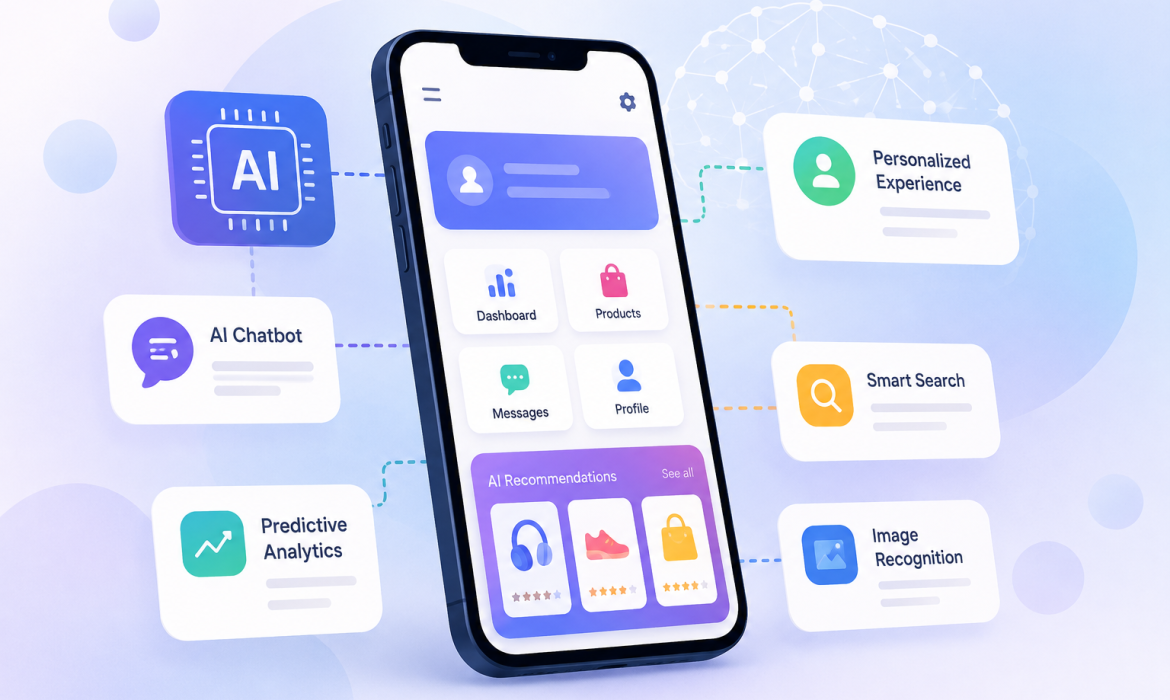
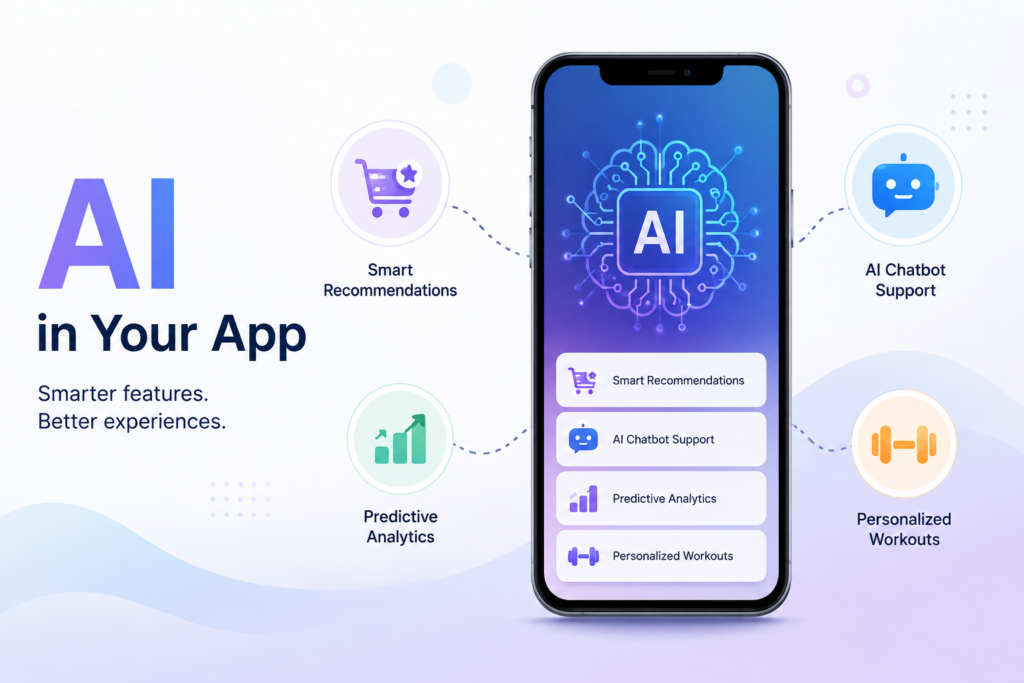
Artificial Intelligence is becoming an part of new mobile online app. From recommend and chatbots to good voice assistants and complate personalized content, AI can make an app more useful and engaging.
The good thing is that business do not always need to create a complete new system to use AI. AI features can also be added to an existing software. With the best planning and technology, an old or basic app can be improved with smart features without chang its structure.
For business looking to add their application, adding AI can help create a user real experience, automate work and provide more complate personalized service work.
What Does Adding AI to an Existing Mobile App Mean?
Adding AI to an old mobile app means integrating artificial intelligence new add features into an app that is developed and being used by customer.
For example, an e-commerce app can use AI to recommend products based on customer need. A customer online service app can add an AI chatbot to answer common problem. A fitness app can use AI to provide workout day to day plan.
AI does not have to replace the existing features of your software. Instead, it can work alongside them and make the app smart.
How Can You Add AI Features to an Existing Mobile App?
Adding AI to an existing application usually involves steps. The exact process depends on the type of app, its existing technology, and the AI feature you want to introduce.
1. Identify the Right AI Feature
The first step is to understand what you want AI to do inside your app.
Instead of adding AI just because it is very popular, focus on a orignal business or customer problem.
Some common AI features include:
• AI-powered chatbots for customer support
• Personalized product or content recommend
• Voice recognition and voice commands
• AI-based image or document recognition
• Predictive analytics
• Smart search
• Automated content generation
• Fraud or unusual activity detection
• Personalized notifications
Choosing the right feature can make the AI integration more useful and cost-effective.
2. Check Your Existing Mobile App
Before adding AI, your development team should review the current application.
This includes check the app’s programming language, database, APIs, backend system and over all design.
It is important to make sure the old application can communicate complate with the AI service. In cases, small changes to the backend or database may be required.
3. Choose the Right AI Technology
There are different ways to add AI to a mobile app. The right choice depends on your requirements and budget.
For example, an application may use:
• AI APIs and cloud-based services
• Machine learning models
• Natural Language Processing (NLP)
• Computer vision technology
• Speech recognition services
• Generative AI models
For many businesses, using an existing AI API can be faster and easier than building an AI model from the beginning.
4. Connect AI With Your App
Once the technology is selected, developers can connect the AI service with the existing application.
APIs are commonly used for this connection. The mobile app sends the need details to the backend or AI service, the AI processes the info, and the output is returned to the application.
For example, if a user asks a problem through an AI chatbot, the app can send the question to the AI service. The response can then be displayed same inside the app.
5. Design a Simple User Experience
AI should make an application easy to use, not more confus.
The AI feature should fit real into the existing app design. Buttons, chat screens, voice controls and other AI features should be easy for user to understand.
A simple look can help users feel so comfortable using new AI-powered features.
6. Test the AI Feature
Testing is an important part of AI integration.
The feature should be tested with different types of user inputs and real-world situations. Developers should check whether the AI provides useful and accurate results.
Testing should also cover:
• App performance
• Response time
• Data security
• API errors
• Different devices and screen sizes
• User experience
• Incorrect or unexpected AI responses
Proper testing helps reduce problems after the feature is released.
Benefits of Adding AI to Your Existing Mobile App
Better User Experience
AI can make an application more helpful by understand user needs and provid relevant information. For example, recommendations can help users find products or content without spending more time searching.
Personalized Services
AI can study user need and preferences to provide full personalized experiences. An app can recommend products or services based on what users have previously selected.
Faster Customer Support
An AI chatbot can answer common customer problem at any time. This can less the workload for support teams and help customers get fast answers. Complex issues can still be transferred to a human support agent when needed.
Automation of Repetitive Tasks
AI can help automate work that employe or users normal need to perform manually. This can include sorting details, answering common questions, analyzing data, creating summaries, or processing documents.
Improved Business Decisions
AI can analyze big amounts of database and identify useful pattern. Business can use these insights to real understand customer work, add some services and make best decisions.
Increased Customer Engagement
Useful AI features can encourage user to spend more time using an application. Personalized recommendations, smart notifications, virtual assistants and interactive features can make an software more engaging.
Things to Consider Before Adding AI
Adding AI to an existing mobile application can provide many benefits, but businesses should plan.
Consider the following points:
Data Privacy: Make sure customer info is full processed securely.
Development Cost: AI integration costs depend on the technology and features required.
Performance: AI features should not make the application slow or difficult to use.
Accuracy: AI responses and recommendations should be tested before going all live.
Scalability: The AI system should be able to handle an add number of users.
Maintenance: AI features may require daily monitoring, updates and improvements.
Security: APIs, user details and application data should be protected properly.
Tips for Successfully Adding AI to a Mobile App
- Start with one useful AI feature instead of chang the full app at once.
- Understand your users and select features that solve orignal problems.
- Select AI technology that fits your application and cost.
- Keep the user interface easy to understand.
- Protect user database and follow appropriate privacy practices.
- Test AI responses with different world situations.
- Monitor the all feature after launch and improve it based on user review.
- Make sure the AI feature can grow as your number of users added.
Conclusion
Adding AI to an existing mobile application can be a practical way to addded its features without developing a complete new application. From AI chatbots and full personalized recommendations to search and automation, businesses can select AI features based on their actual need.
The key is to start with a clear target, select the technology, integrate it complate and test everything before launch.
If you are planning to add AI features to your existing mobile application, Scrupulous Technology can help you plan and develop AI-powered mobile full solutions that provide a real experience for your users and support your business target.