Today, mobile apps are not just about very basic features. Users expect apps to be fast, smart and personalized. This is where Artificial Intelligence comes in. The best news is—you don’t need to build a new app from scratch to use AI. You can very easily add AI features to your existing mobile application and improve user experience.
In this blog, we will explain in very simple language how you can update your app with AI and stay ahead in the online market.
What Does It Mean to Add AI to Your App?
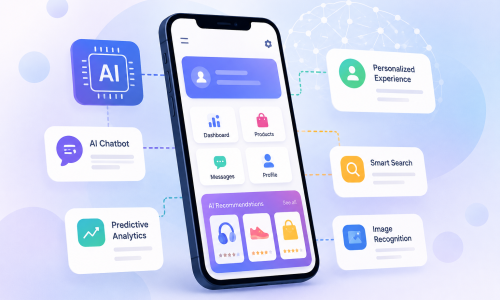
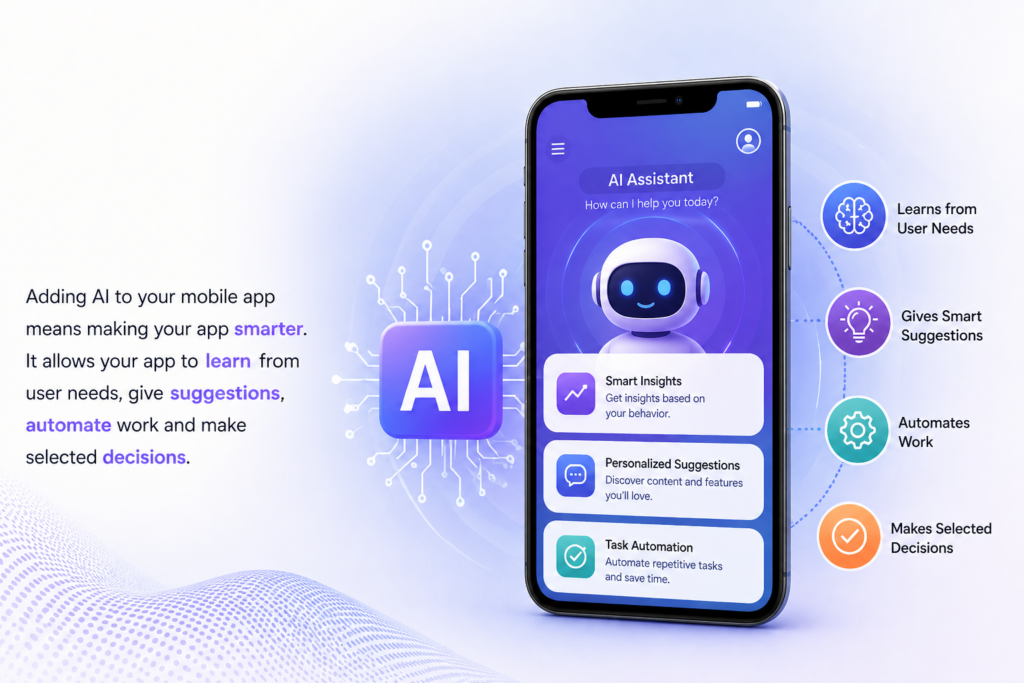
Adding AI to your mobile app means making your app smarter. It allows your app to learn from user needs, give suggestions, automate work and make selected decisions.
For example:
- Showing product recommendations
- Voice search or voice tool commands
- Chatbots for users support
- Image recognition
- Predicting user needs
Why Should You Add AI Features?
1. Better User Experience
AI helps your app understand customer better and provide personalized content. This makes users feel more connected to your application.
2. Saves Time and Effort
Automation less manual work. Tasks like replying to users or sorting info can be handled by AI.
3. Improves Engagement
Smart features like recommendations and notifications keep customer active on your application.
4. Competitive Advantage
Apps with AI features look modern and advanced. This helps you stand out from business competitors.
How to Add AI Features to Your Existing Mobile App
1. Identify Your Goal
First, understand why you want to add AI.
Ask yourself:
• Do you want better customer support?
• Do you want to increase sales?
• Do you want to improve user experience?
Clear goals will help you choose the right AI features.
2. Choose the Right AI Feature
Based on your goal, select features like:
• Chatbots for customer support
• Recommendation systems for products or content
• Voice assistants for easy navigation
• Image or face recognition
• Predictive analytics
Start small. You don’t need to add everything at once.
3. Use AI Tools and APIs
You don’t need to build AI from zero. Many ready-to-use tools are available.
Some popular options include:
• Google AI tools
• Microsoft Azure AI
• OpenAI APIs
• IBM Watson
These tools help you add AI features quickly and easily.
4. Work on Your Data
AI works based on data. The better your data, the better your results.
Make sure:
• Your data is clean and organized
• You collect useful user data
• You regularly update your data
5. Integrate AI into Your App
Now connect the AI feature with your app. This step may need developer support.
Make sure:
• The feature works smoothly
• It does not slow down your app
• It fits naturally into your app design
6. Test Everything Properly
Before launching, test the AI feature.
Check:
• Is it giving correct results?
• Is it fast and responsive?
• Is it easy to use?
Fix issues before going live.
7. Monitor and Improve
AI is not a one-time setup. Keep improving it.
• Track user behavior
• Collect feedback
• Update features regularly
This helps your app stay useful and smart.
Popular AI Features You Can Add
Chatbots
Provide instant replies to users anytime.
Recommendation System
Suggest products, videos, or content based on user interest.
Voice Search
Allow users to search using voice commands.
Image Recognition
Useful for apps like shopping, healthcare, or security.
Predictive Analysis
Understand what customer might need next.
Tips for Success
- Start with one simple feature, don’t overload your software
- Focus on user needs, not just technology
- Keep your app simple and fast
- Protect user data and privacy
- Regularly daily update your AI system
Conclusion
Adding AI to your existing mobile application is a very smart move for any business. It improves user best experience, saves time, and helps your app grow faster. You don’t need a huge budget or complex setup—just the right strategy steps and tools.
If you are planning to update your mobile app with AI features, Scrupulous Technology is here to work with you. We create smart, user-friendly mobile solutions that match your business target.
Contact us today and take your mobile app to the next level.