
When employee records, leave requests and joining tasks live in different spreadsheets, even a simple HR question can mean chasing several people.
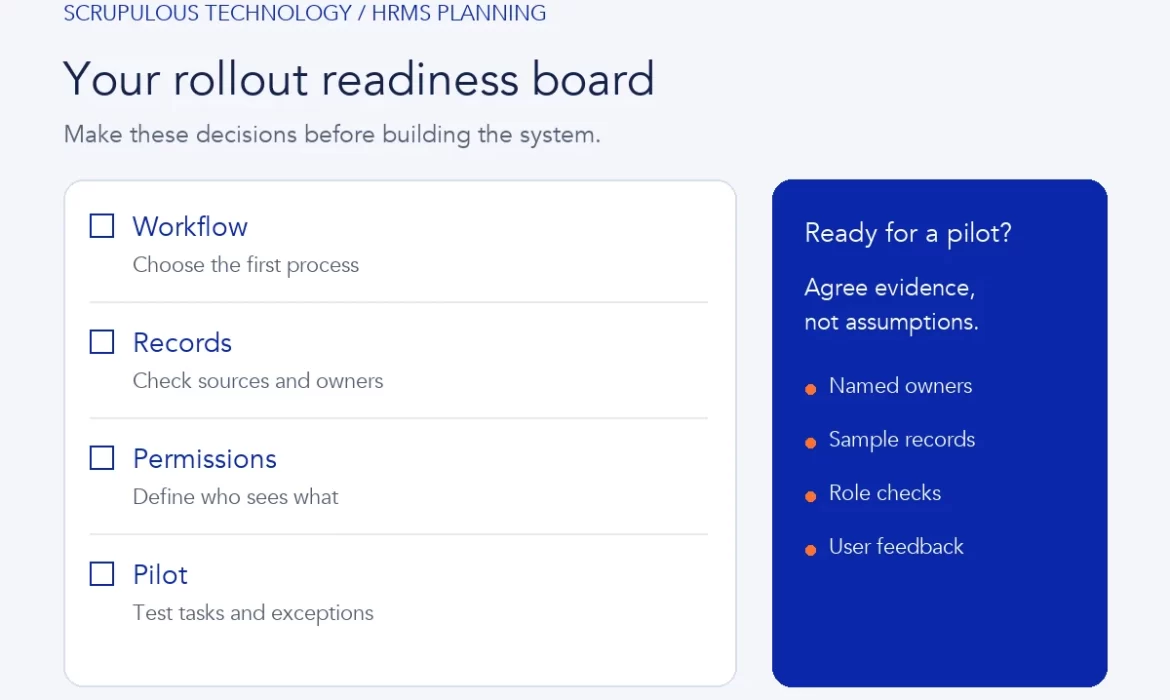
Before implementing an HRMS, agree four things: your first workflow, the employee data it needs, who can access it and how you will test a small pilot.
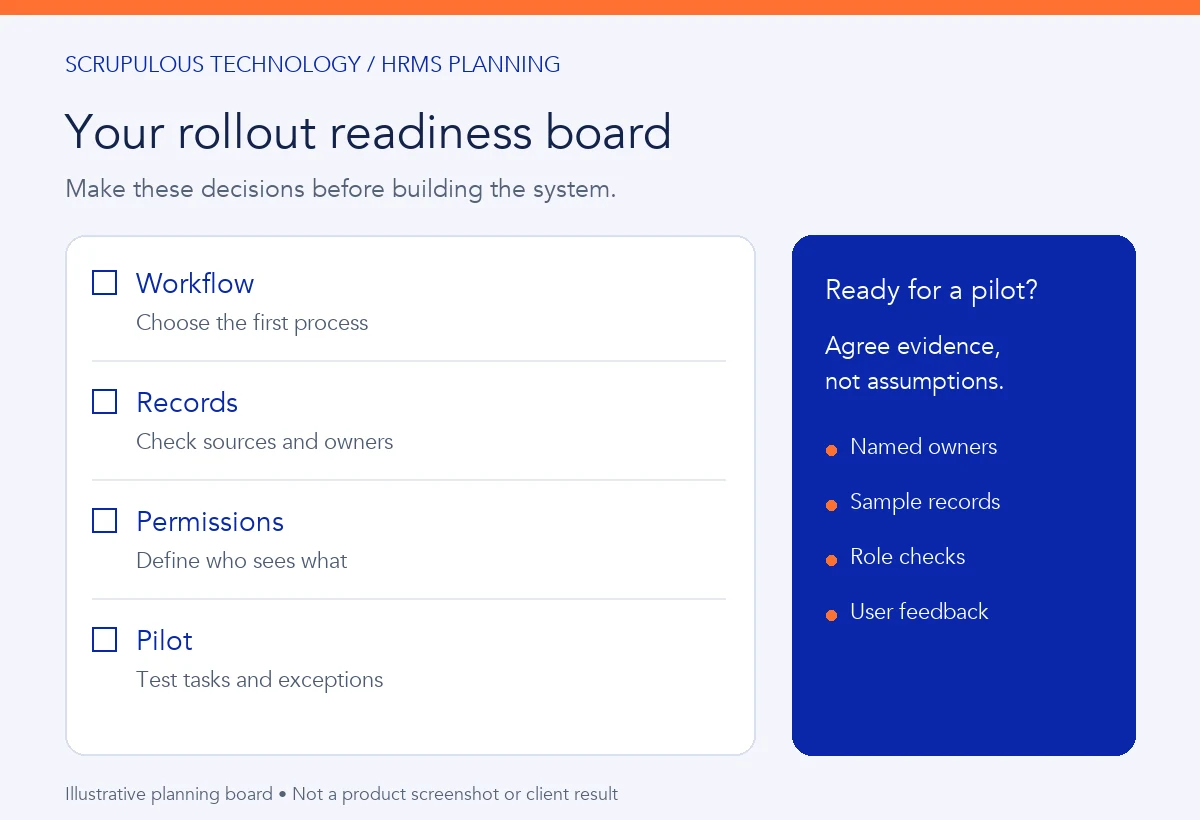
An HRMS is a human resource management system. Its scope varies by product and project. This guide helps business owners, HR teams and operations managers prepare a practical brief before development or customization begins.
1. Choose one workflow to improve first
Start with a task your team repeats. Follow it from request to completion, and identify where people lose time or information.
Employee records
Which record is authoritative? Who updates a department, reporting manager or employment status?
Leave requests
Who reviews a request? What happens when the manager is absent, or the request changes?
Joining tasks
Who prepares equipment, schedules induction and confirms each task is complete?
Attendance information
Where does the information come from? Who checks missing or corrected entries?
These are possible starting points, not a list of features included in every HRMS. Select the workflow that matters most to your team.
2. Prepare the data before moving it
Agree the fields you actually need. Identify who owns each record and which existing source should be used during migration.
- Check employee identifiers and duplicate records.
- Agree consistent department and manager names.
- Separate active records from historical information.
- Review missing or conflicting values with the record owner.
- Use representative sample data to test imports before a wider move.
3. Define access and approvals
An employee, line manager and HR administrator do not need the same view. Write down what each role can see, change, approve and export.
| Role | Decisions to agree |
|---|---|
| Employee | Personal details they can update; requests they can submit and track. |
| Manager | Team scope, approval responsibilities and substitute arrangements. |
| HR team | Record corrections, joining tasks and approved employee changes. |
| Administrator | User setup, settings and permission changes when roles change. |
Discuss access, audit history and data handling requirements with the responsible teams. Do not assume a new system automatically satisfies every company policy.
A joining workflow your team can discuss
From start date to completed tasks
HR creates the joining checklist. IT prepares the agreed equipment, the manager schedules an introduction and each task owner records completion.
Decide who handles an overdue task or an unavailable owner. This is a planning example, not a completed client project.
Microsoft’s Human Resources task-management documentation illustrates how a specific product groups onboarding tasks into checklists and assigns them to people or roles. Our checklist here is a general planning recommendation, not a promise that your chosen software includes the same features.
4. Your rollout timeline: prepare, test, review
- Prepare: agree the workflow, clean sample records and map roles.
- Test: ask a small user group to complete normal tasks and exceptions.
- Review: record issues and their owners before deciding what to expand.
Choose a manageable group and clear acceptance checks. Ask users to complete real tasks, including the exceptions that cause problems today.
Pilot checks to include
- Can an employee submit and track a request?
- Does it reach the right reviewer?
- Can the team handle a return, correction or absent approver?
- Can each role see only the agreed information?
- Do sample imports and exports match the approved records?
- Do users know where to get help?
Record issues, agree their owners and review the results before adding more departments or modules.
What about payroll and existing systems?
List the attendance, payroll, ERP or other tools already in use. Identify which system owns each record and what information needs to move between them.
Integration depends on supported APIs, file formats, permissions and the chosen scope. Payroll calculations and company rules need separate verification with the responsible team; this planning guide does not establish them.
Common questions
Do we need every HRMS module from day one?
No. You can scope an initial workflow and expand after reviewing the pilot. The right sequence depends on your priorities and existing systems.
Can we import our employee spreadsheets?
Often an import can be planned, but the available options depend on the target system. Check field mapping, data quality and sample results before committing to a full migration.
How long will implementation take?
A useful estimate requires the agreed modules, user roles, data preparation, integrations and acceptance checks. Avoid selecting a deadline before these are understood.
Turn your HR requirements into a clear brief
Scrupulous Technology provides HRMS solutions, ERP customization and custom software development around client requirements. Share the workflow, users and systems you want to improve with our Vadodara team.
By Scrupulous Technology · Published 11 October 2026. Graphics and examples are illustrative.
Planning a project for your business? Explore our ERP implementation and customization or discuss your requirements with Scrupulous Technology. Share your goals, current systems and required features so our team can review the scope and next steps.